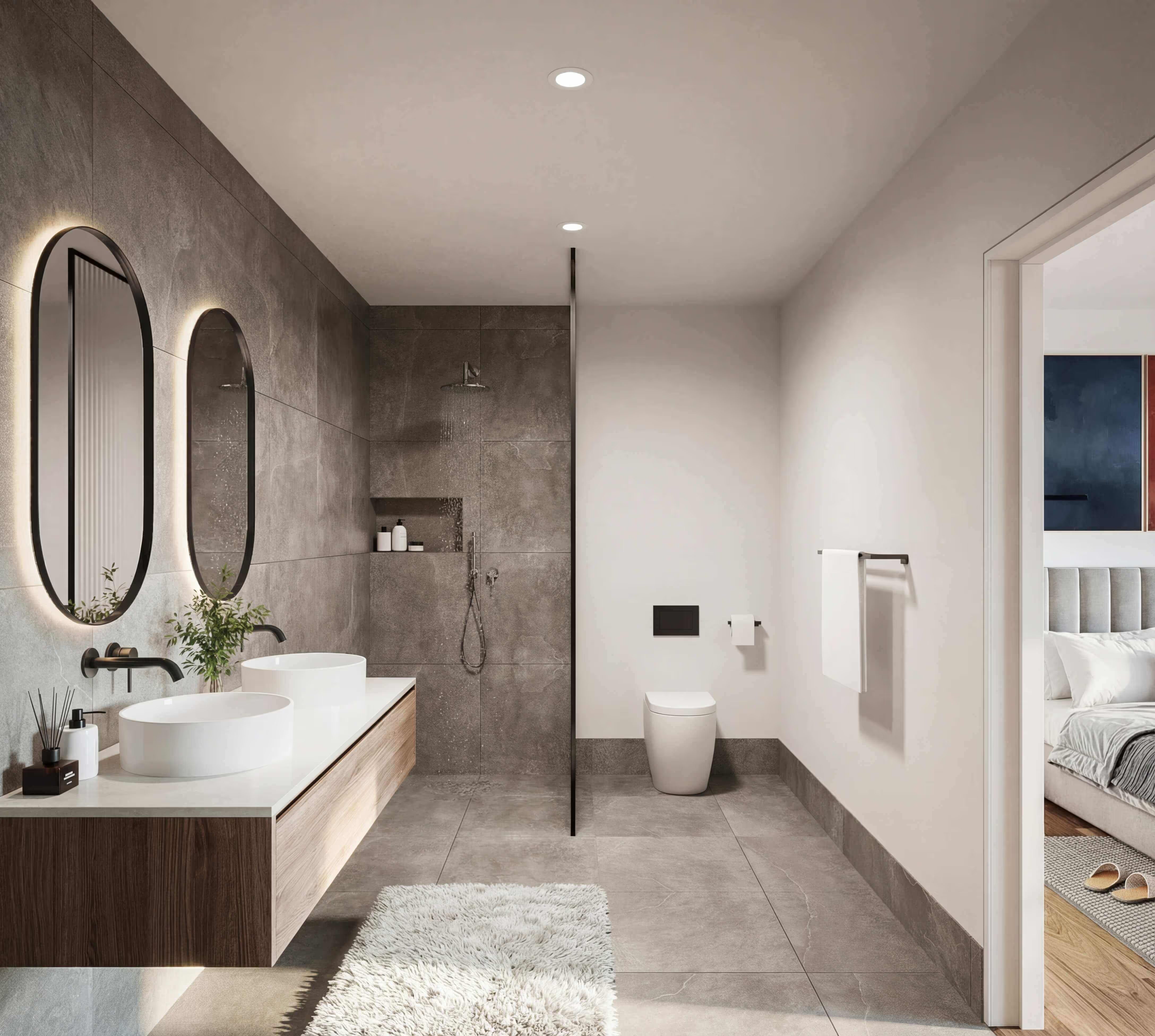
Render engine comparison 2026: Which architecture visualisation software is right for you?

Why Visualizations Are Essential Today
Anyone working in architecture, real estate development, or property marketing with 3D visualizations will sooner or later face the same question: which render engine should I use? The market is large, the differences are enormous – and the wrong choice costs time, money, and patience.
This guide breaks down the most important render engines for architectural visualization in 2026: what they can do, who they're best suited for – and when it makes more sense to hire a professional rather than render in-house.
💡 According to current market forecasts, the global 3D rendering software market is set to grow from $2.69 billion (2022) to $11.83 billion by 2030. Demand for high-quality visualizations is rising fast.
All Render Engines at a Glance
The table below gives you a quick orientation. Detailed information on each software can be found further below.
High-End Render Engines: Maximum Quality, Maximum Effort
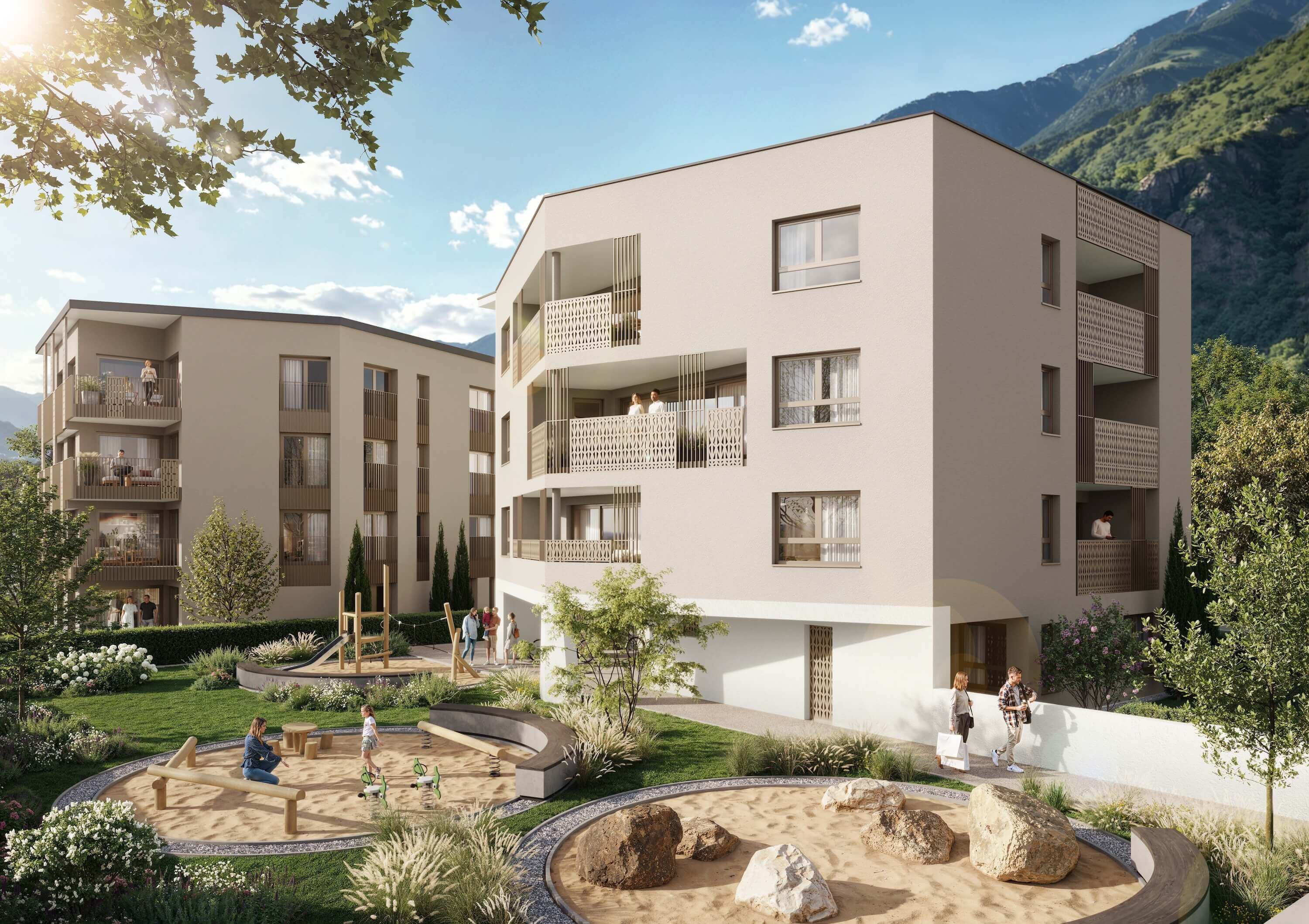
V-Ray by Chaos – The Industry Standard
V-Ray has been the benchmark in architectural visualization for over two decades. Physically accurate light simulation, precise material handling, and seamless integration into 3ds Max, SketchUp, Rhino, and Revit make V-Ray the first choice for professional studios worldwide. If you've seen an architectural rendering that looks like a photograph, there's a good chance V-Ray was behind it.
- Physically based rendering (PBR) with unmatched level of detail
- Combinable GPU and CPU rendering for flexible workflows
- Extensive asset library via Chaos Cosmos
- Integration with 3ds Max, SketchUp, Rhino, Revit, Cinema 4D
The catch: V-Ray is not a beginner's tool. Without prior experience, expect 6 to 12 months before producing professional-quality results. Add licensing costs from around €700 per year and the need for a high-performance workstation.
💡 For high-end interior and exterior renderings, Twobuild works with V-Ray daily – a workflow that takes years of experience to master.
Corona Renderer – Warm, Natural, More Accessible
Corona Renderer is V-Ray's closest competitor and is well known among visualization artists for its warm, natural aesthetic. The interface is considered somewhat more approachable than V-Ray, while output quality is on a comparable level.
- Known for natural, warm lighting – ideal for residential projects
- More accessible interface than V-Ray
- Strong for interior renderings and atmospheric scenes
- Integration with 3ds Max and Cinema 4D
The same caveat applies: without solid 3D expertise, reaching professional results still takes months of intensive learning.
Blender with Cycles – Pro Quality, Zero Cost
Blender is the most powerful free option on the market. The Cycles engine delivers physically accurate renderings at an absolute professional level, used by studios around the world. On top of that, Blender is a complete 3D Mid-Tier Tools: Good Results with Moderate Effort: modeling, animation, compositing, and rendering all in one program – no licensing costs, no restrictions.
- Completely free and open source
- Cycles: unbiased ray tracing for maximum photorealism
- Eevee: real-time engine for quick previews
- Active community with regular updates
The learning curve, however, is extremely steep. Blender has its own logic and shortcut system, and requires considerable technical understanding for professional architectural work.
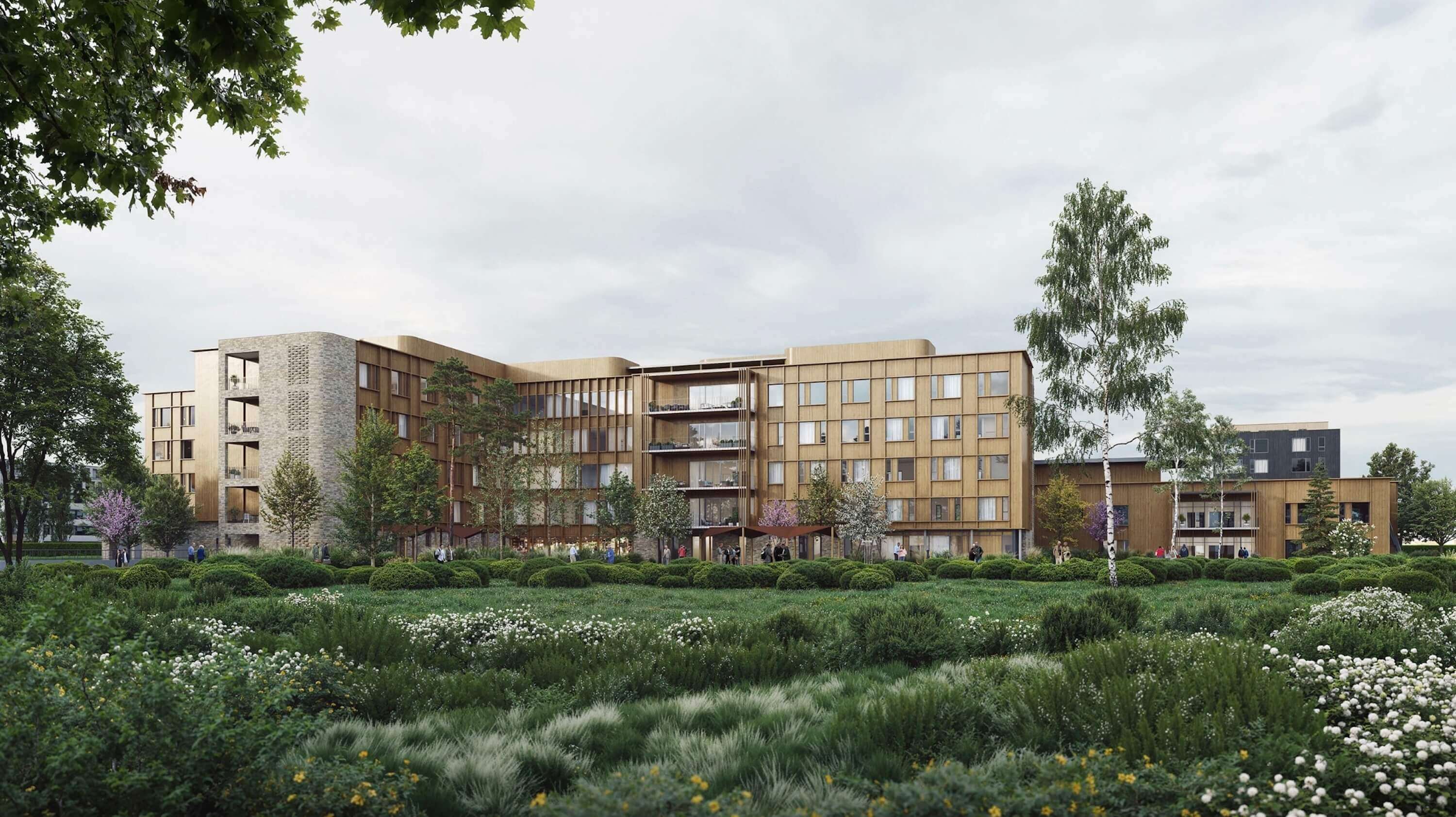
Mid-Tier Tools: Good Results with Moderate Effort
Lumion – The Favorite Among Architects
Lumion has established itself as one of the most popular solutions among practicing architects. Direct integration with SketchUp, Revit, ArchiCAD, and Rhino makes onboarding smooth. With over 10,000 high-quality assets – vegetation, people, furniture, atmospheric effects – compelling scenes come together quickly.
- Real-time rendering with a very solid quality level
- Over 10,000 assets built in
- Animations and 360° panoramas supported
- Direct CAD/BIM sync via LiveSync
For quick client presentations and internal reviews, Lumion is excellent. For high-end marketing imagery or cinematic mood scenes, it starts to show its limitations.
💡 Lumion Pro costs around €1,500 per year and requires a high-performance NVIDIA graphics card.
Enscape – Render Directly from Your BIM Software
Enscape is not a standalone 3D application but a plugin that integrates directly into Revit, SketchUp, Rhino, and ArchiCAD. Click "Render" and the result appears in real time. For architects working within a BIM workflow who need to visualize design decisions quickly, Enscape is the most efficient tool available.
- Real-time rendering with no export or import required
- VR mode directly from the BIM model
- Very low learning curve – up and running within hours
- Ideal for design iterations and live client meetings
For final marketing images that demand perfect atmosphere and material precision, Enscape doesn't reach the level of V-Ray or Corona.
Twinmotion – Powered by Unreal Engine
Twinmotion is built on Unreal Engine and delivers impressive real-time visualizations, strong animation capabilities, and solid VR support. It's free for smaller studios and offers reliable quality for exterior and landscape scenes.
- Unreal Engine technology: cinematic lighting quality in real time
- Animations, walkthroughs, and interactive VR tours
- Free for studios with revenue below $1M USD
- Integration with Revit, SketchUp, ArchiCAD, Rhino
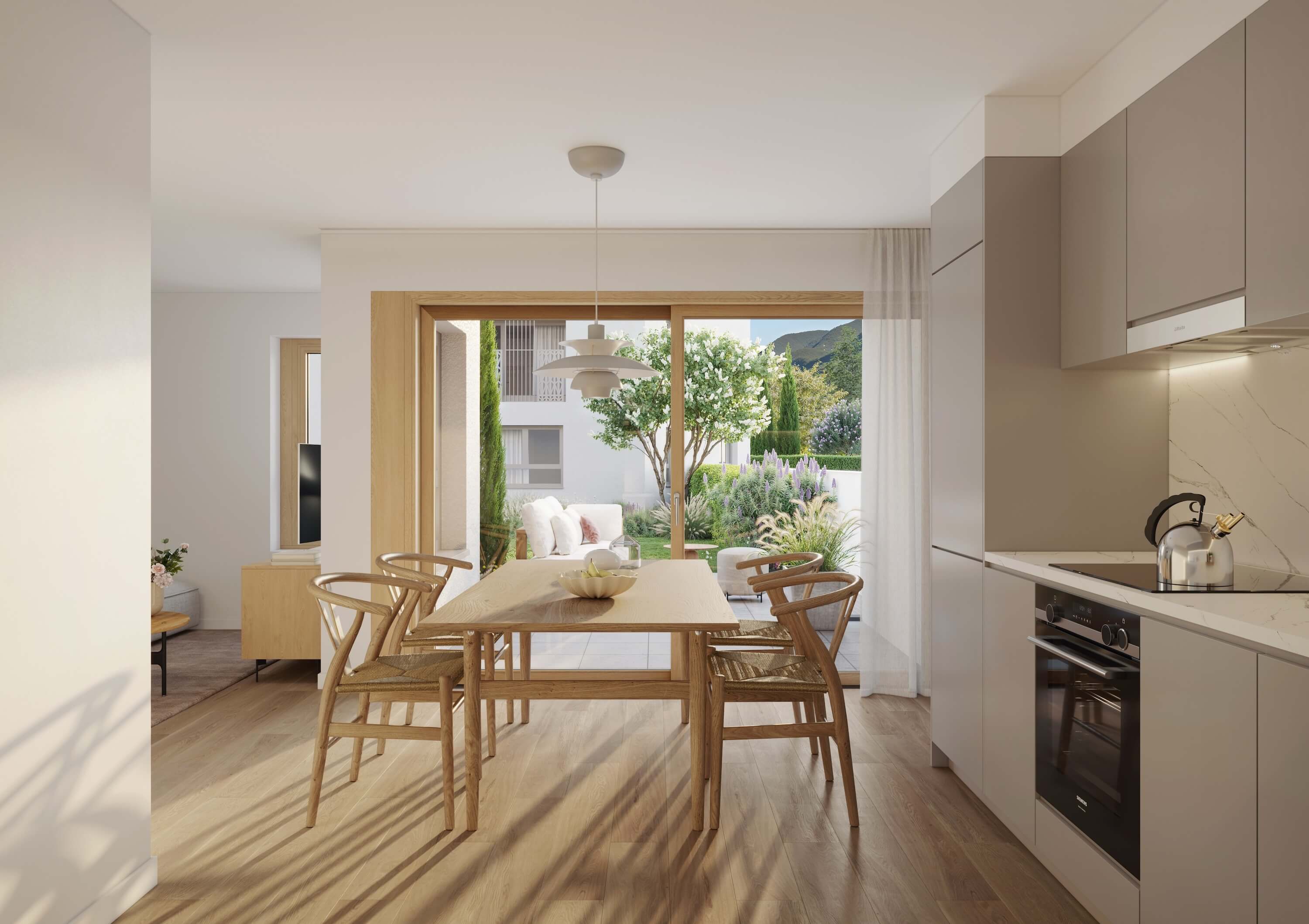
Entry-Level Tools: Fast, Affordable, and Straightforward
D5 Render – The Rising AI-Powered Alternative
D5 Render has grown into a strong option for beginners and teams with smaller budgets. AI-assisted scene optimization, an intuitive interface, and a freemium model make it appealing for architects who want to produce compelling visualizations without a steep learning investment.
- AI-assisted real-time visualization with solid lighting quality
- Freemium – free entry tier available
- Integration with SketchUp, Revit, 3ds Max
- Growing community with regular updates
AI-Powered Visualization: The Trend of 2026
Tools like Midjourney, MyArchitectAI, and the AI features inside D5 Render now make it possible to generate photorealistic concept images in seconds. For early design phases or social media content, this is genuinely revolutionary.
For final marketing images, however – where precise geometry, material accuracy, and controlled lighting are critical – AI tools are not yet a replacement for professional 3D rendering. Full creative control over every detail still lives with the handcrafted render.
💡 Twobuild also integrates AI into early concept phases – combined with precise 3D rendering for final marketing deliverables.
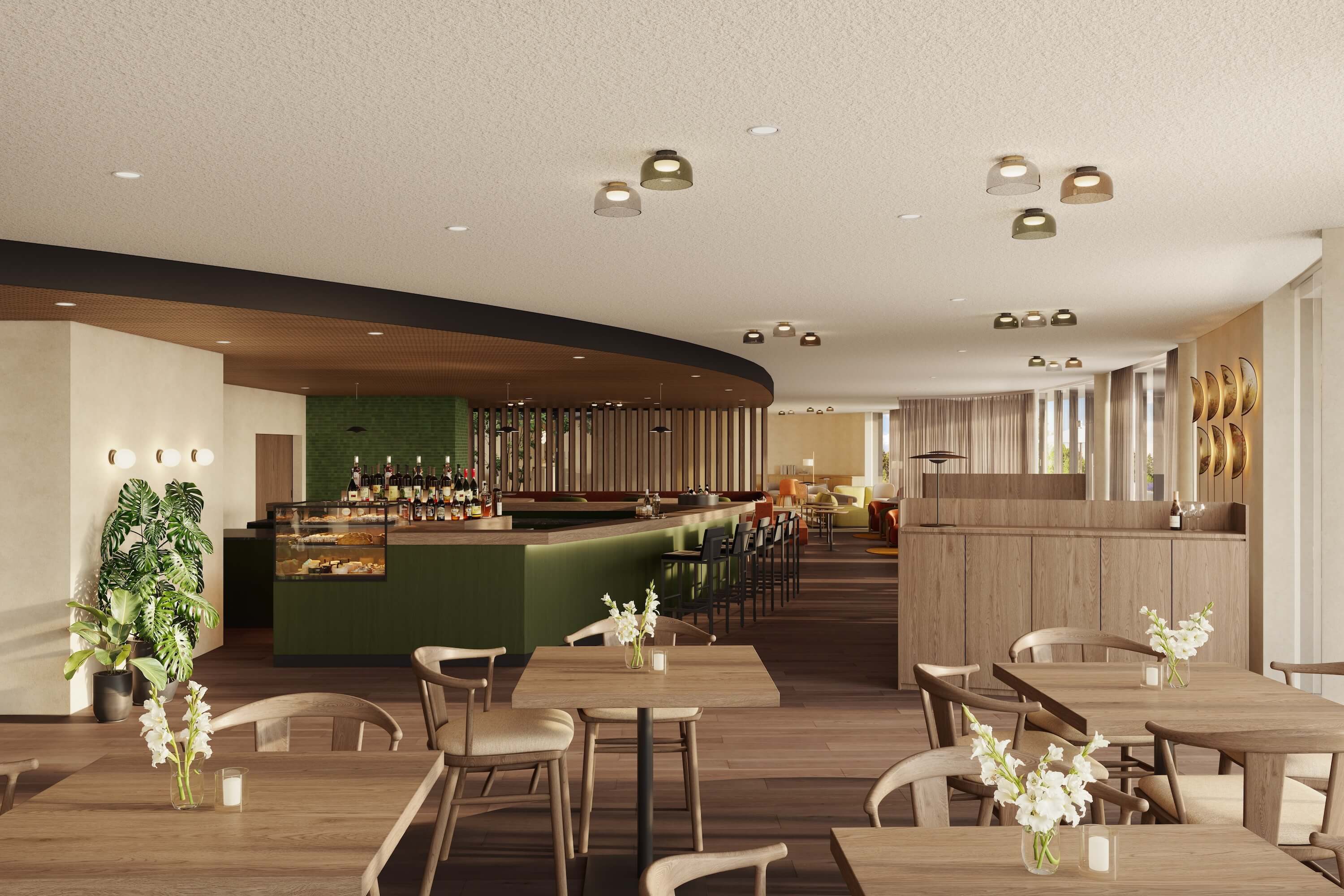
Conclusion: The Right Engine for Your Use Case
There is no universally "best" render engine – it all comes down to your specific needs:
- Quick client presentations directly from a BIM model → Enscape or Lumion
- Solid exterior visualizations and animations → Twinmotion or D5 Render
- Photorealistic high-end images for marketing and sales → V-Ray or Corona
- Maximum quality with no software budget → Blender Cycles
What all high-end tools have in common: a steep learning curve, significant hardware requirements, and a long road from installation to professional output. For developers, architects, and property marketers who need world-class visualizations without spending years learning to render, working with a specialized studio is simply the most efficient path.
Sell Faster. Impress More. Close Deals with Stunning Architectural Renderings.
Join top real estate professionals and developers using high-end visualizations to attract buyers and close deals with confidence.